The fine print.
Effective April 17, 2026. Your cards stay on your device. Card scanning uses cloud AI by default, with an on-device-only option in Settings.
1. Information We Collect
- Gift card data. Card name, balance, expiration, category, photos, optional reward item (for single-use certificates like an In-N-Out Award of Excellence), and any card number, PIN, or barcode you choose to save. All stored locally on your device via Apple's SwiftData.
- Sensitive fields. Card numbers, PINs, and barcodes are only saved for card types that can carry them (gift cards and prepaid cards). Loyalty stamp cards and Punch Passes never store these fields because they don't use them.
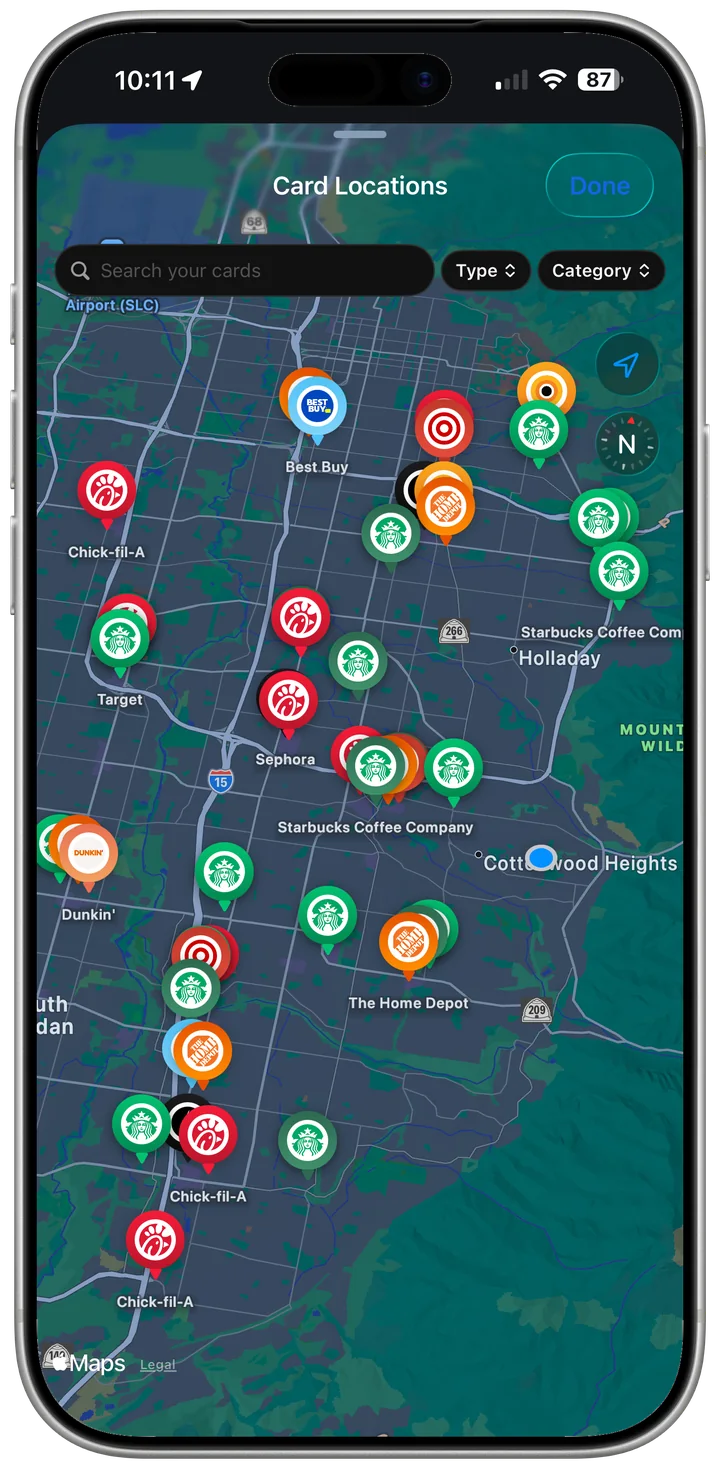
- Location. Used on device for proximity alerts. Smart Profiles rounds your location to a 1km grid square before its neighborhood lookup, so your precise location is never transmitted to us.
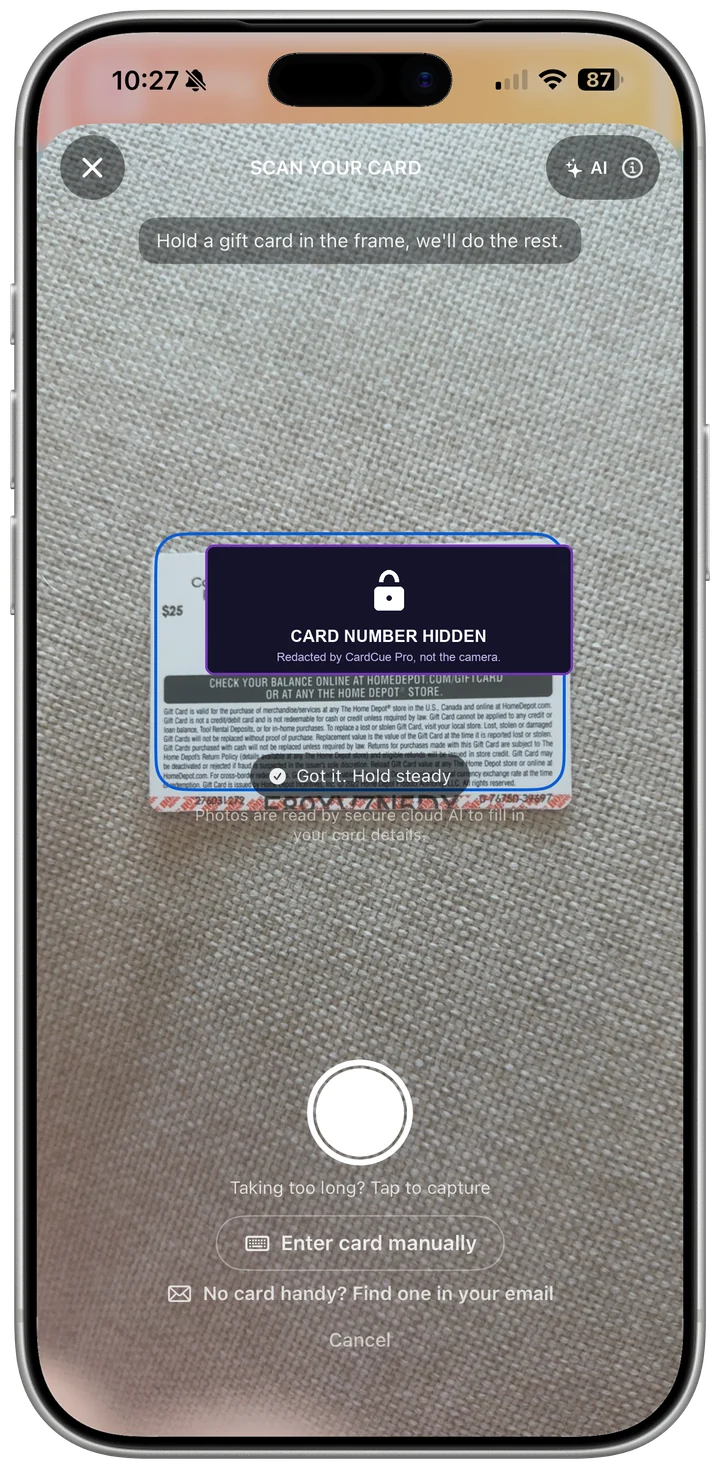
- Camera. Used for card scanning. By default the photo is sent to our AI helper (Anthropic) to extract the card details; turn on Scan on-device only to keep it on your iPhone.
- Motion. Used on device for driving detection so Cue can change its notification behavior behind the wheel.
- Contacts (optional). Birthday dates only, used for gift-buying reminders. Enable in Settings.
2. How We Use It
Balance display, location reminders, expiry alerts, smart notifications, and barcode generation at the register. Cloud sync is an opt-in Pro feature.
3. How We Protect Sensitive Data
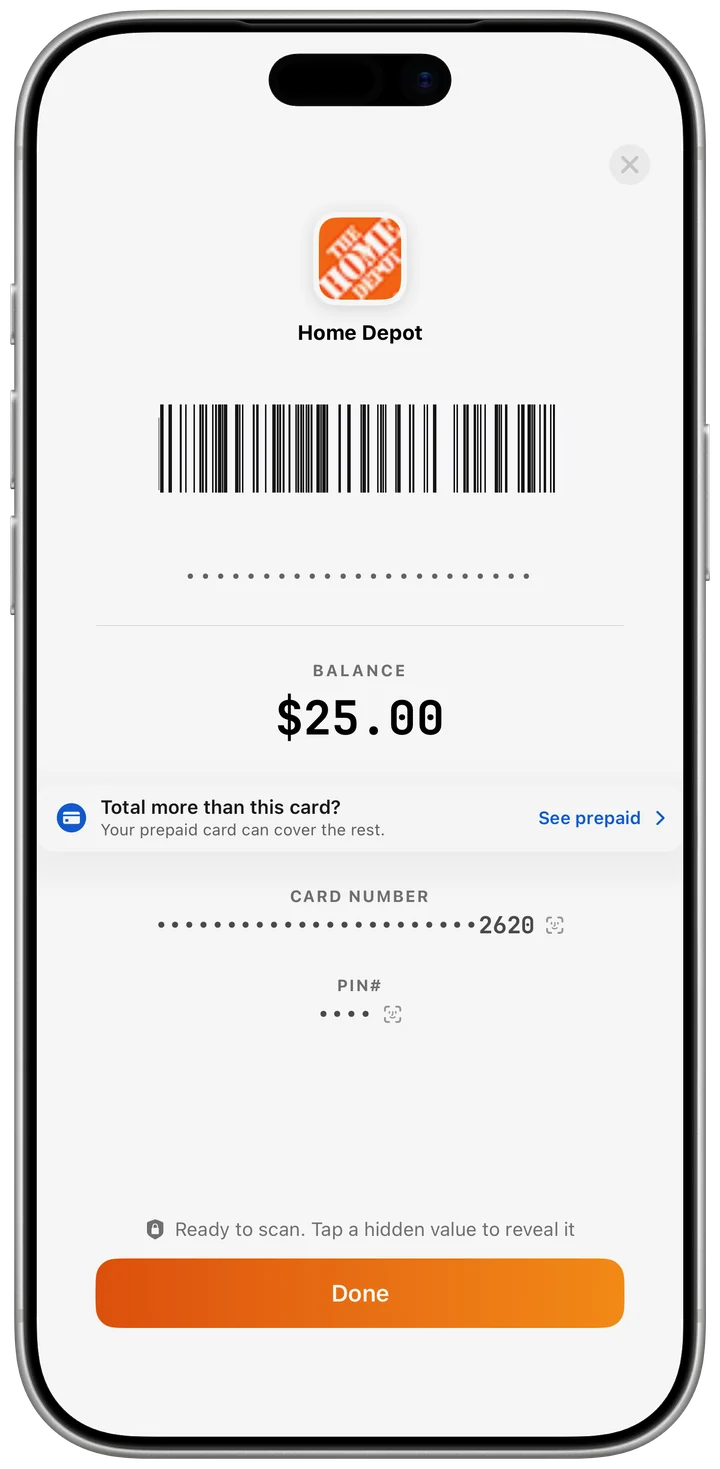
When a card has a number, PIN, or barcode saved, CardCue Pro requires Face ID (or your device passcode) before revealing the details or showing the barcode at the register. Cards with no sensitive data (loyalty cards, Punch Passes) open freely because there is nothing private to protect.
4. Data Storage
Local storage uses Apple's SwiftData with device encryption. Optional cloud sync uses Supabase with row-level security. Your card data is stored on your device. The exceptions are AI card scanning, which is on by default and can be turned off with Scan on-device only, and optional cloud sync.
5. Third Parties
- Apple: Sign in with Apple, StoreKit (subscriptions), MapKit (geocoding).
- Supabase: Optional Pro cloud sync. You choose whether to enable it.
- Anthropic: AI card reading, on by default. The card photo is sent to extract the details; under Anthropic's standard terms it may be retained up to 30 days for trust and safety unless a zero-retention agreement is in place. Turn on Scan on-device only to disable.
6. Data Sharing
We do not sell, rent, or share personal data. No third-party marketing pixels. We do measure which pages get read and which buttons get clicked. Anonymous, aggregated, never tied to you personally. So we can see where people are falling through the cracks and what features deserve more work. See our privacy policy for exactly what we collect and how to opt out.
7. Your Rights
- Delete any card at any time.
- Disable any permission in iOS Settings.
- Export all data as CSV or JSON.
- Delete your account via the Support tab.
8. Contact
privacy@cardcuepro.com
9. About the Publisher
CardCue Pro is a registered DBA of Pika Product Lab LLC, a Utah limited liability company. References to “CardCue Pro” in this policy mean both the DBA brand and the underlying entity.
Effective April 9, 2026.
1. The Service
CardCue Pro is a personal tracking tool for the five card types that live across most consumers' lives: gift cards, prepaid cards, loyalty cards, punch passes, and memberships. (Single-use reward certificates are a variant of a gift card, not a separate type.) It does not store monetary value, process payments, or guarantee retailer balances.
2. Subscriptions
The free plan tracks up to three cards and includes 5 smart scans. Pro adds unlimited cards and unlimited smart scans, at $4.99 per month or $34.99 per year (auto-renewing through the App Store), or $79.99 once for lifetime access. Balances are shown in US dollars at launch. Cancel any time in your Apple ID subscription settings.
3. Digital Barcode
When you save a scannable barcode, CardCue Pro regenerates it on screen at the register. Most retailers accept scans from a phone. A small number require the physical card. We recommend keeping any physical card as a backup.
4. Single-Use Certificates
Some cards redeem for a specific item rather than a dollar balance (for example, an In-N-Out Award of Excellence for a free hamburger). These cards are physical-only by design. Cue will track the reward, protect the number and PIN with Face ID, and remind you to bring the card with you when you visit the store.
5. Card Sharing
Send a Card transmits a digitized card's details, not money, to a person you choose. The card leaves your wallet when you send it, waits in encrypted escrow for up to 14 days, and belongs to the first person who claims the link; you can recall it any time before it is claimed. Share links only through channels you trust. CardCue Pro is not a bank or card issuer. Send a card, get a month rewards are Pro subscription time, not cash, for new CardCue Pro users only; program terms apply.
6. Liability
The service is provided "as is." We are not liable for missed expiration dates, balance discrepancies, or retailer acceptance decisions. You are responsible for the cards you track.
7. Governing Law
State of Utah, United States.
8. Contact
legal@cardcuepro.com
We're here to help.
Adding a Card
Tap the plus button on the home screen. You can scan with the camera or enter the details by hand. The scanner reads brand, balance, card number, PIN, barcode, expiration, and even single-item reward phrasing like "FREE Hamburger or Cheeseburger" when it appears on the card.
Card Types
Pick the one that matches what you're adding:
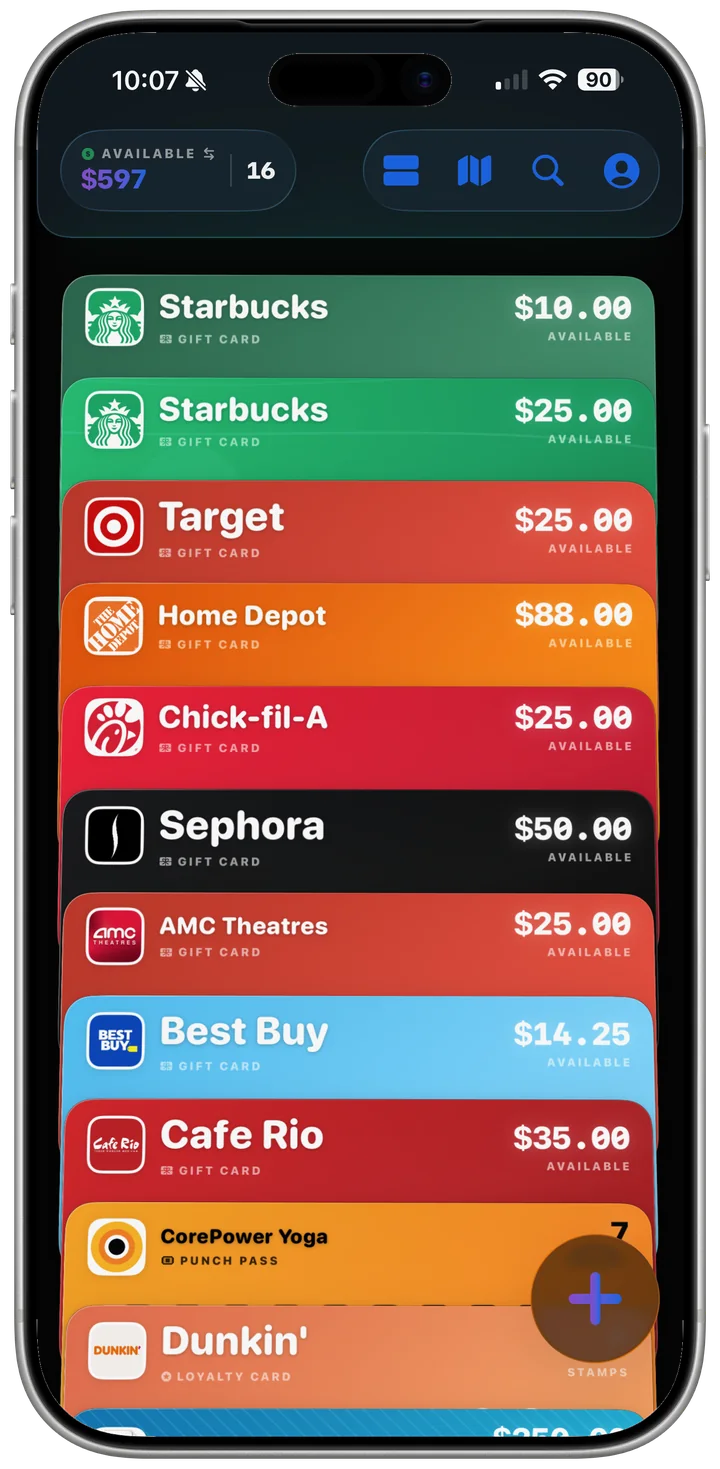
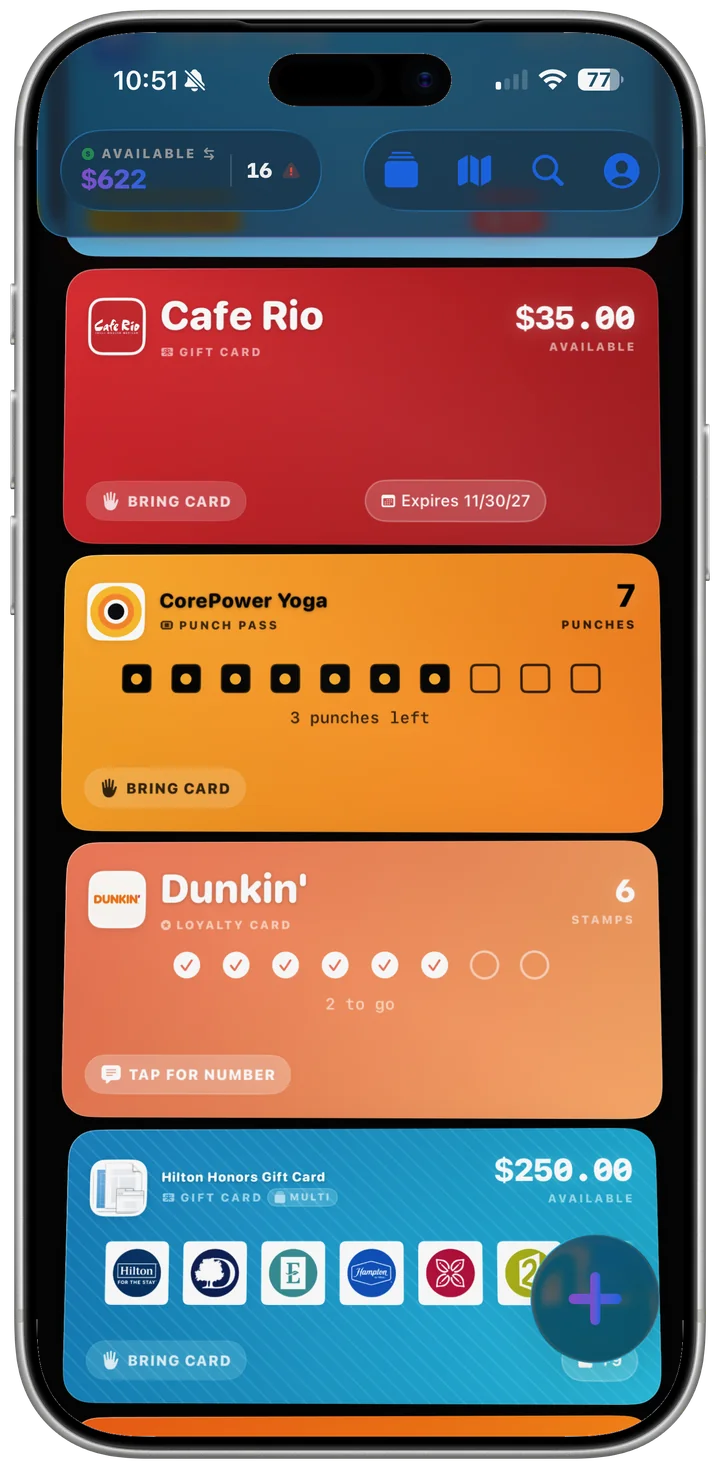
- Gift card. Has a dollar balance. Often has a card number, PIN, and scannable barcode.
- Prepaid card. Reloadable, accepted anywhere. Same sensitive fields as a gift card.
- Loyalty card. Stamps accumulate toward a free reward, and "Claim reward" appears once it's full. No card number, PIN, or barcode, so those fields are hidden.
- Punch Pass. A prepaid pack of sessions (a 10-class yoga pack, a car-wash 5-pack) that you mark used, counting down until the pack is gone. No card number, PIN, or barcode.
- Membership. A gym, club, library, or auto-club membership, with its renewal date and perks. Member IDs and barcodes are protected.
- Single-use reward certificate. Redeems for a specific item (like a free hamburger) and must be presented at the counter. Turn on the single-use certificate toggle on a gift card, then fill in what it Redeems For.
Face ID and Sensitive Data
Whenever a card has a saved number, PIN, or barcode, Cue asks for Face ID before showing those details or displaying the barcode at the register. Loyalty cards and Punch Passes open instantly because they have nothing sensitive to protect.
Going Digital
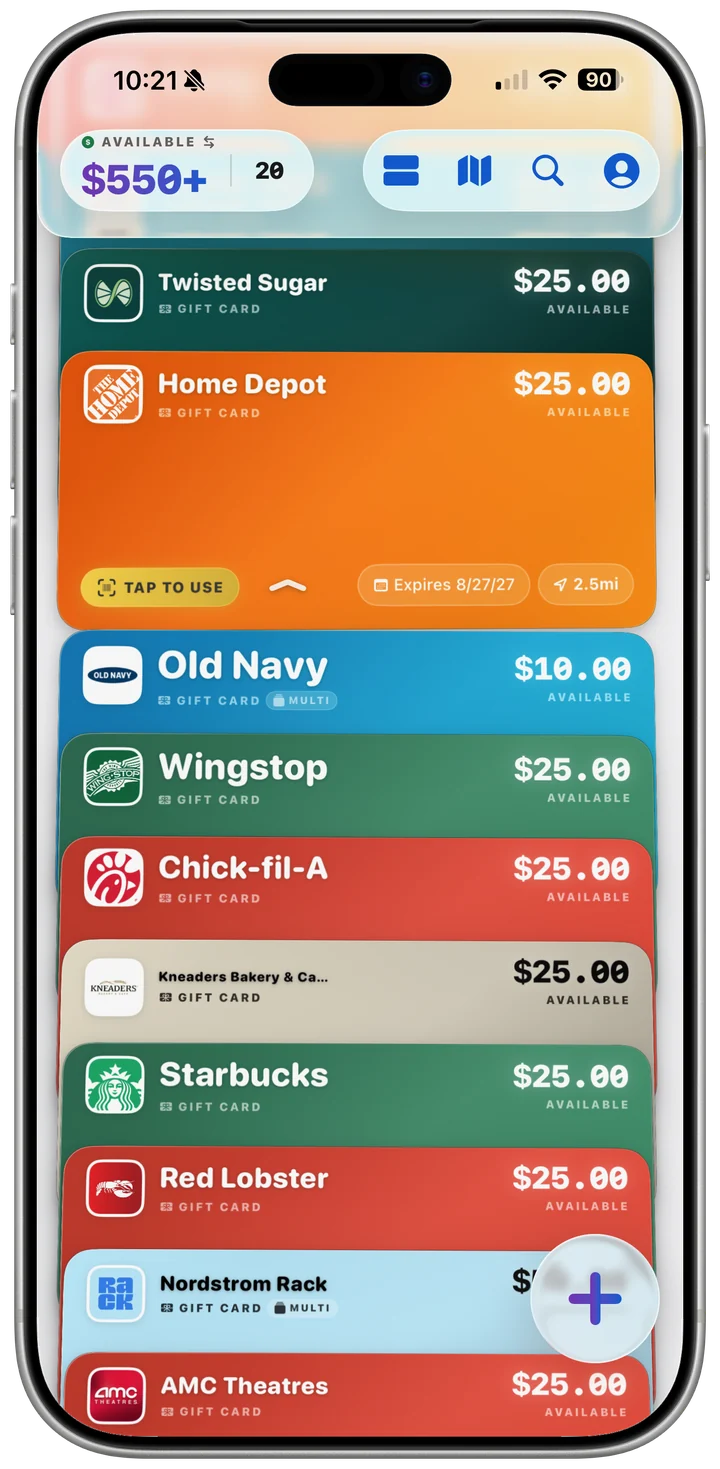
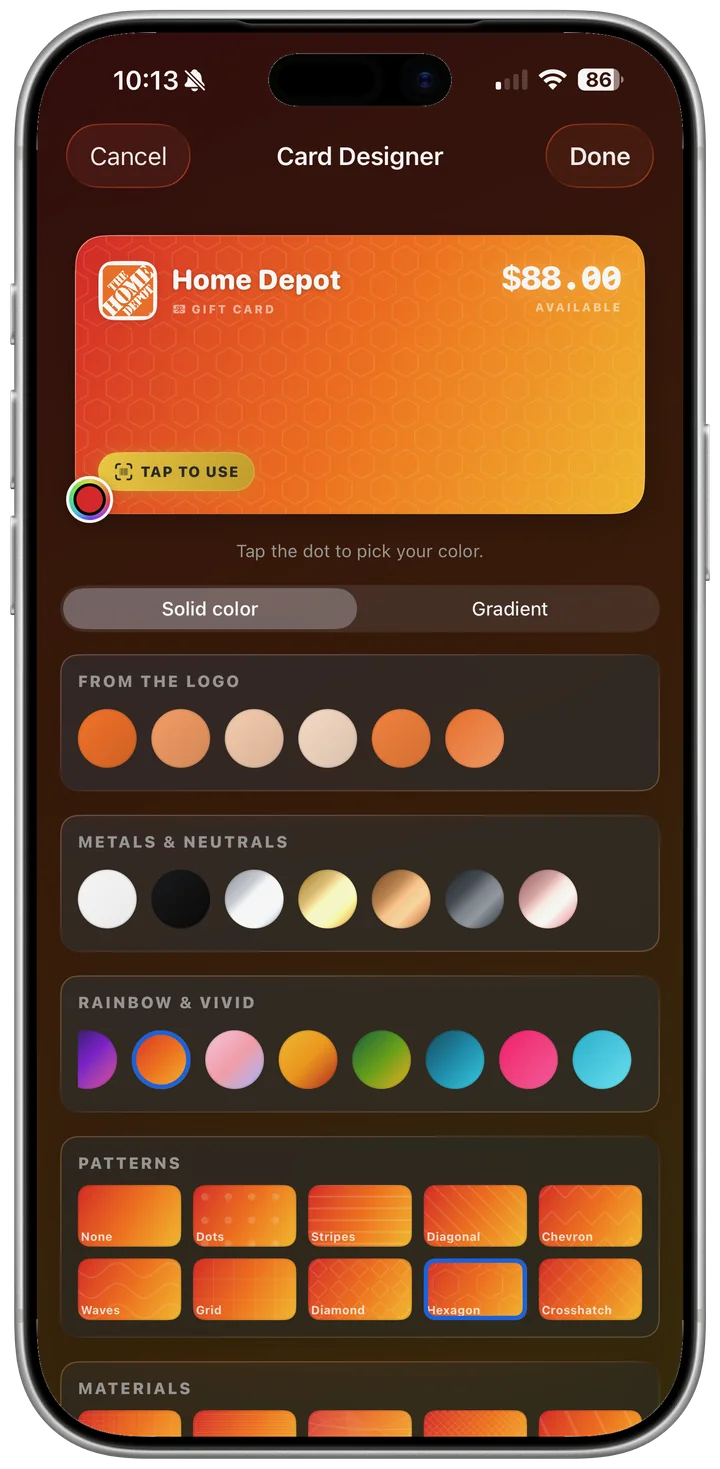
Scan the barcode and take a photo of the front of the card. A gold "TAP TO USE" pill with a barcode icon appears on the card in your wallet. Tap it to jump straight to the barcode, verify with Face ID, and the cashier scans your phone screen. Add to Apple Wallet export is being verified on the current App Store build, so we don't list it as available yet. Single-use certificates cannot be digitized. Bring the physical card with you.
Expiration Dates
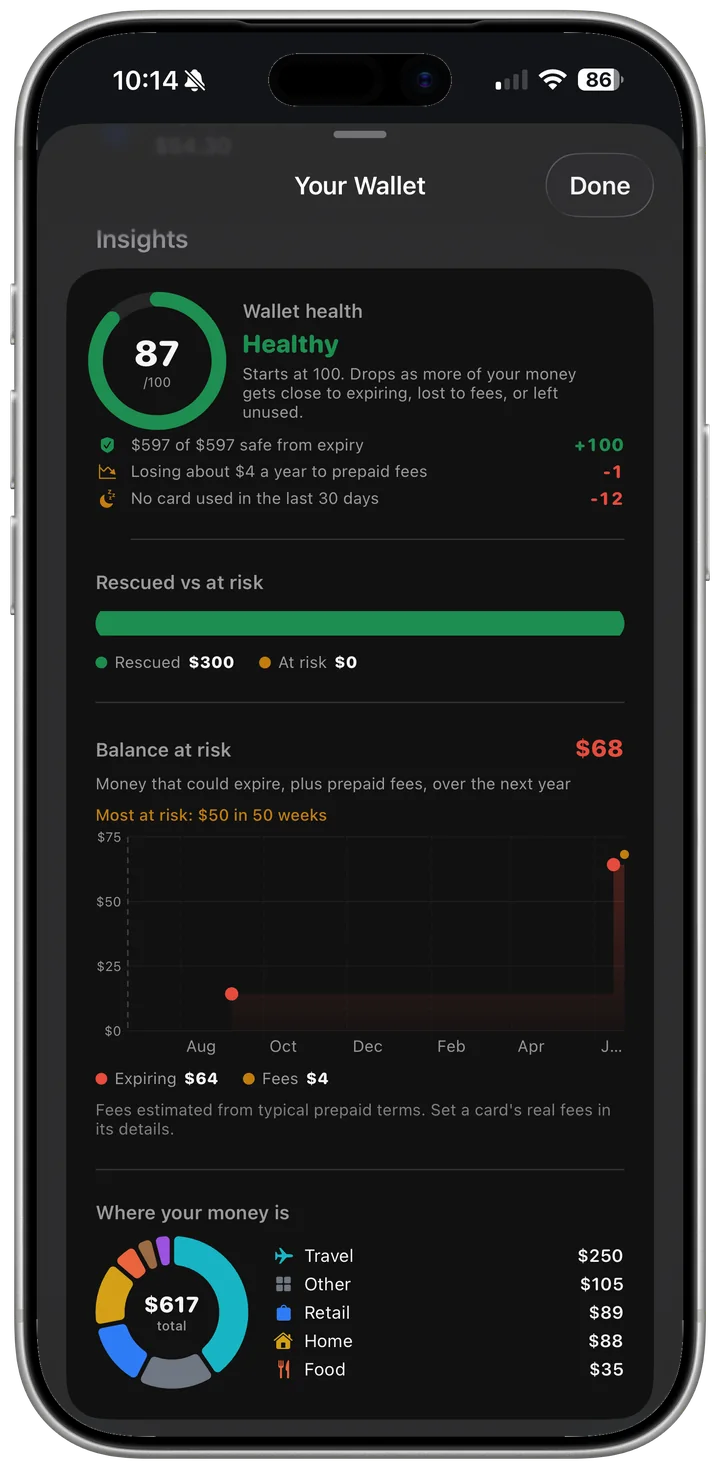
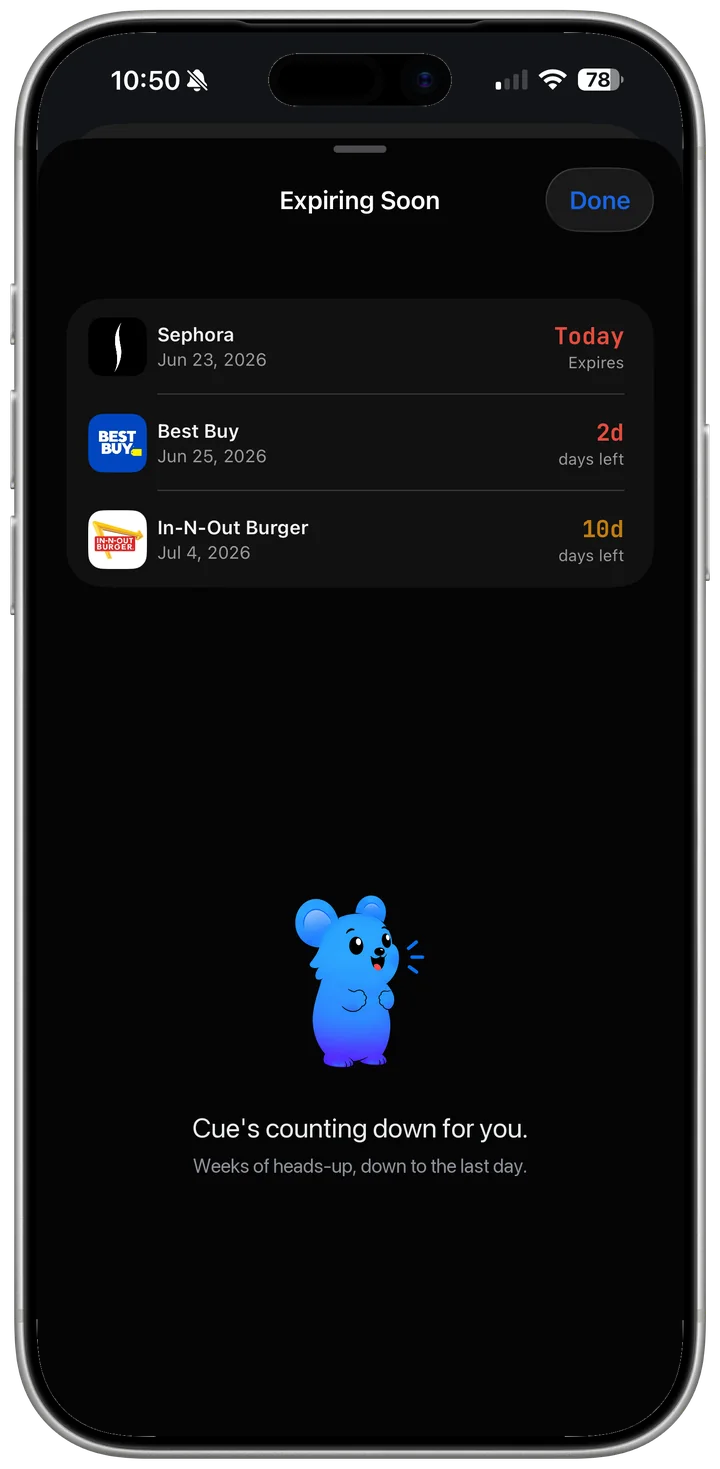
Many gift cards don't expire. Use the "This card has no expiration" toggle when adding or editing a card. If a date is set, Cue will alert you before they expire, on a lead time you choose.
Balance Check
CardCue Pro helps you check a balance: for a brand with a balance page on file (about 60 brands in our catalog), it opens the brand's own balance page, fills in your card number and PIN, and reads the result after you submit. The balance is saved on the card.
Location Alerts
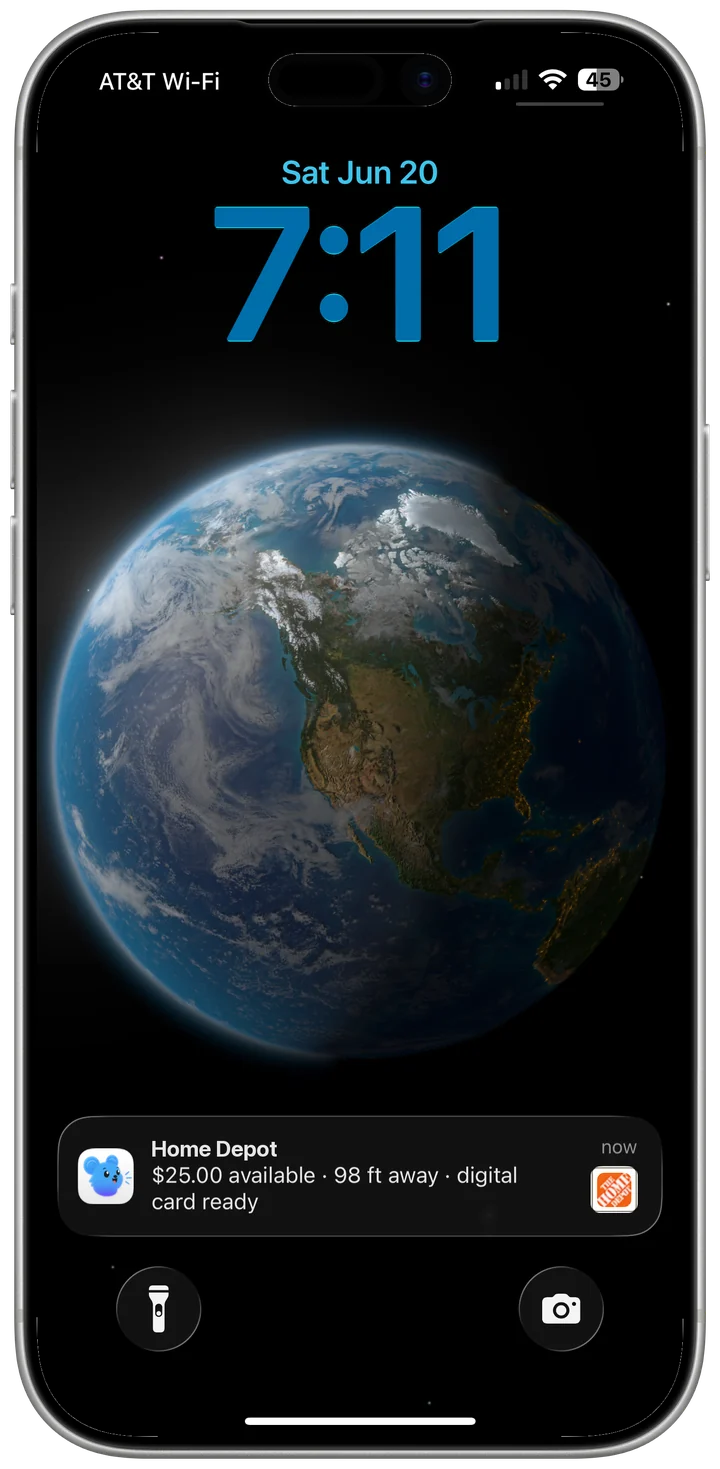
Adjust the radius and dwell time in Settings. Set a home, work, or gym quiet zone to stay silent where notifications aren't welcome. Works on any tier.
Contact
support@cardcuepro.com. We typically reply within 24 hours.